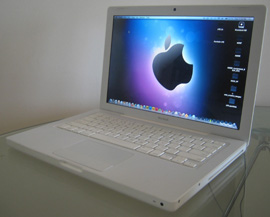
Welcome to my online web tutorial. Ever wanted to install or upgrade the RAM on your MacBook laptop for just a fraction of the cost that you’d pay to get it done by Apple? Well now you can through six simple steps.
My tutorial will show you a step-by-step guide on how to do this. All you need to do is purchase the RAM that you want to put into your machine and your on your way.
All you need are two simple tools that you’ll probably have in the house:
- One is a coin of any shape or size
- Two is a Philips size 00 screwdriver
And with the help of my tutorial you’re ready to upgrade or install RAM onto your MacBook laptop.