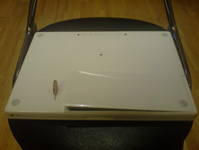
Step 5 – Having the new Memory modules installed on your MacBook, you now need to put the L bracket back into place. Insert the short end of the bracket in first and tighten the 3 screws so the L bracket is intact.
Now get your battery and place it into the battery compartment at a slight angle. And gently press down on the left hand side of the battery and turn the battery latch with your coin so that the battery stays intact.